


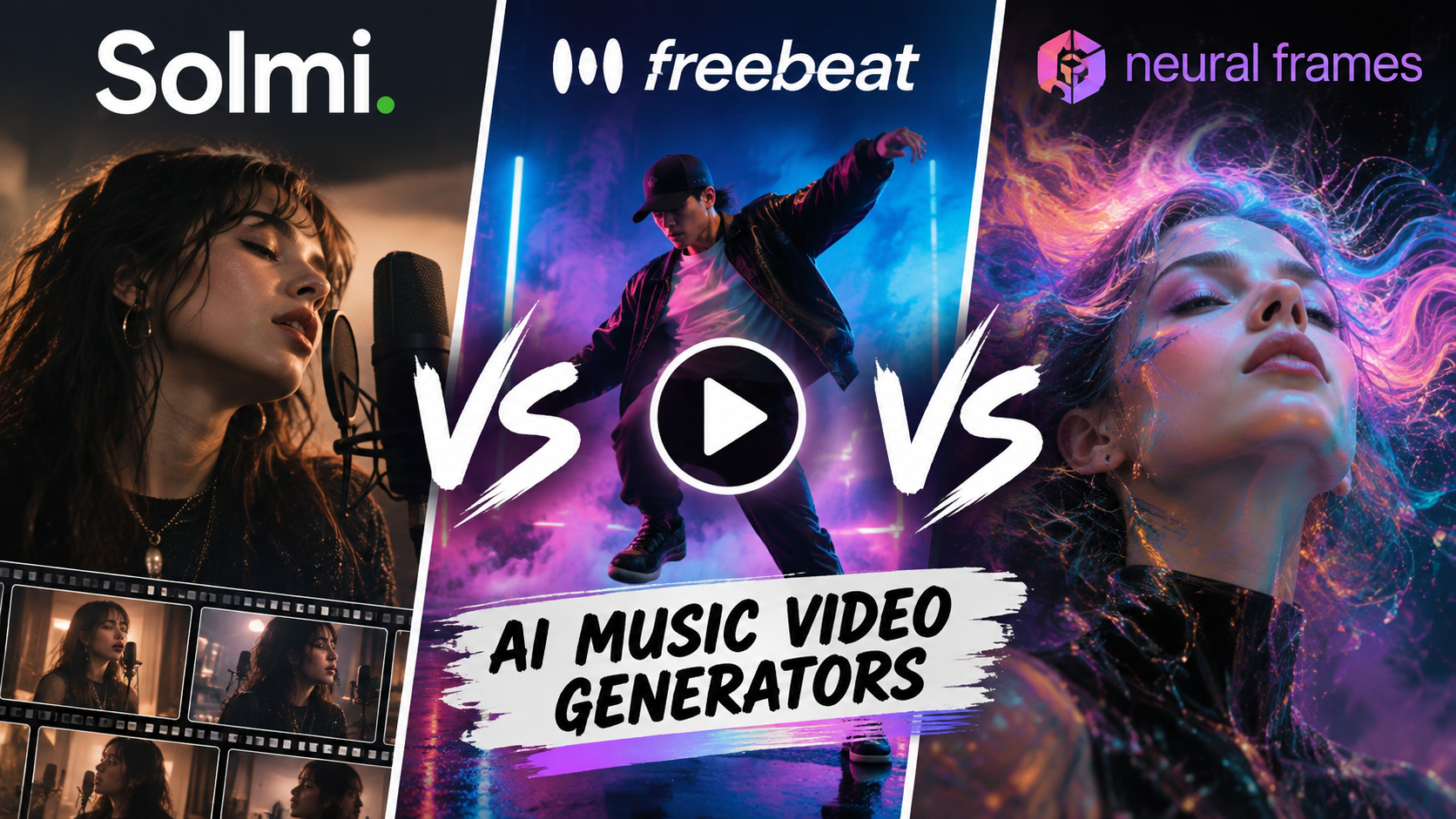
Solmi, Freebeat, and Neural Frames are the three AI music video generators musicians compare most in 2026. All three turn a finished song into a music video in minutes, but they differ in who directs it: Solmi storyboards every shot for you to approve and edit, Freebeat automates the whole video in one click, and Neural Frames drives the visuals from the audio itself.
These tools can save you from the high costs of hiring a production crew, as well as the time and effort involved in filming, editing, and rendering a traditional music video. Their biggest advantage is simplicity, with intuitive interfaces and straightforward workflows that make music video creation accessible even without professional editing experience.
While all three platforms follow a similar approach to AI music video generation, their features, creative controls, and final results can differ. Taking a closer look at what each tool offers can help you determine which one best fits your needs and creative style. That’s exactly what we’ll compare below.
TL;DR
- Best for storyboarded, lip-synced music videos you direct shot by shot: Solmi turns any song or Suno link into a music video with a consistent cast from your own photos, lip-sync in 14 languages, and a storyboard you can edit before and after rendering.
- Best for one-click, hands-off videos: Freebeat plans the shots and syncs every cut to the beat automatically, with less control over individual scenes.
- Best for audio-reactive visual control: Neural Frames, syncs visuals with individual track stems, giving you more control over how the music shapes the video.
Comparing Solmi vs. Freebeat vs. Neural Frames: Features, Pricing, Services/Tools
| AI Music Video Generator | Key Services/Tools | Pricing |
| Solmi.ai | AI Music Video GeneratorAI Music GeneratorAI CoverVocal RemoverStem SplitterAI Dance Video Generator | Free plan: 100 music video creditsPricing starts at $35/month |
| Freebeat | AI music video generatorDance video generatorAI video editorAI image generator and editorAI music generatorLip sync and face swap | Free plan availablePaid plans start at $4.99/ week (currently 30% off) |
| Neural Frames | AI music video generatorAI animation generatorImage-to-video AILyric video makerFrame-by-frame animationAI YouTube/TikTok video makerAudio to Video converter | Free plan available Paid plans start at $39/ month. |
- Solmi.ai
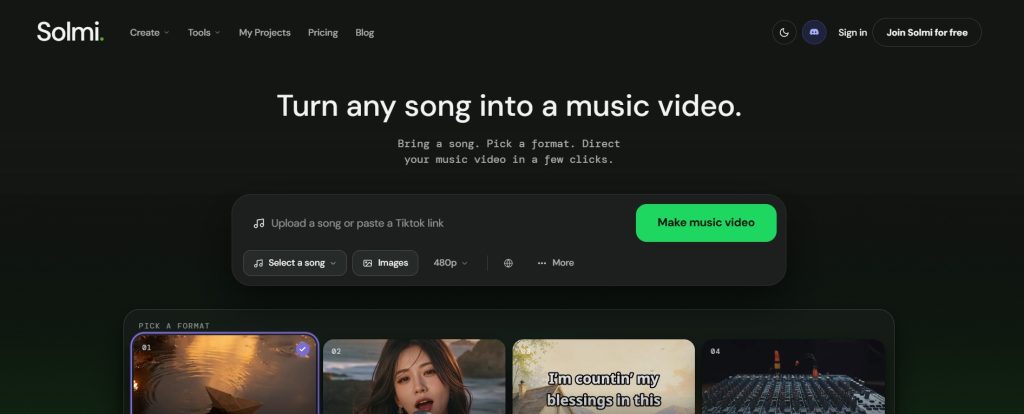
Solmi.ai is an AI music video generator that turns any song, MP3, or Suno/Udio track into a finished, lip-synced music video. It transcribes the lyrics, maps the song’s sections, casts consistent characters from your own photos, and storyboards every shot before rendering, so vocal lines become lip-synced performance shots in 14 languages and any single shot can be regenerated without rebuilding the video. It outputs videos ready for YouTube, TikTok, Reels, and Shorts, and runs on the web and as iOS and Android apps. It helps musicians and creators make music videos without editing software or prior skills.
It also includes an AI dance video generator that plans choreography section by section and renders a full-song dance video from one photo, with lip-sync hero shots on the sung lines.
Key Services/Tools
- AI Music Video Generator
- AI Music Generator
- AI Cover
- Vocal Remover
- Stem Splitter
- AI Dance Video Generator
How it Works
- Step 1: Upload your song: Add an MP3/WAV or paste a Suno, Udio, or YouTube link.
- Step 2: Analyze and style: Solmi transcribes the lyrics and maps the tempo, sections, and energy of the song automatically, with automatic lyric detection in 14 languages for lip-sync.
- Step 3: Cast and references: Cast the performer from your own photo or pick one Solmi suggests, then lock looks and locations so characters stay consistent across every scene.
- Step 4: Storyboard and render: Every shot is storyboarded first. Regenerate anything, then render and download. Finished videos export as MP4 in 16:9, 9:16, or 1:1. The free trial is one 20-second 480p watermarked preview. 720p and 1080p exports are included in paid plans and credit packs.
Pros
- Free to start, no card needed
- No editing skills required: every shot is storyboarded for you, and any shot can be regenerated without rebuilding the video
- Lip-sync with automatic lyric detection in 14 languages, and characters cast from your own photo stay consistent across every scene
- Commercial licensing on paid plans, plus iOS and Android apps as well as the web
Cons
- Higher export resolutions require a paid plan, and a directed full-song render is slower than one-click tools.
Pricing Plans
Solmi’s free plan includes 100 music video credits, enough for one 20-second 480p preview, with no credit card required. For more, pricing starts at $35/month (2000 monthly credits, 720p and 1080p video rendering)
- Freebeat
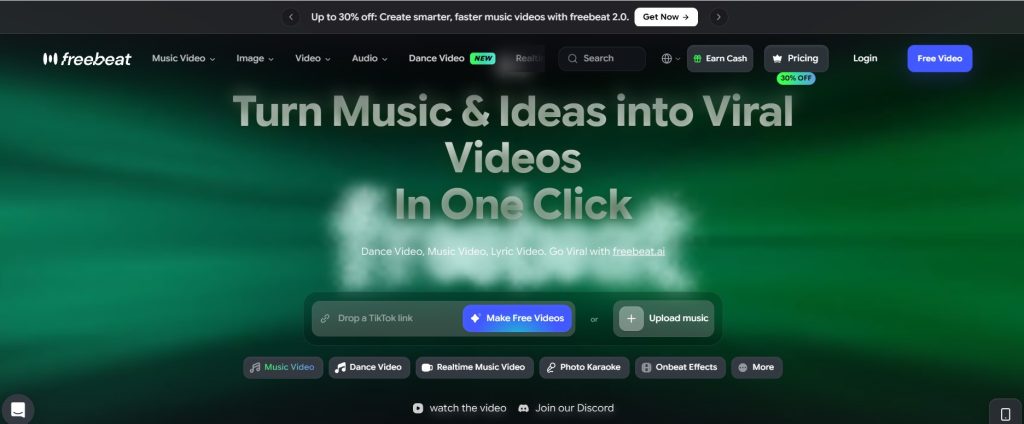
Freebeat is an AI music video generator that turns any song into a directed, rhythm-synced video. It works as an AI director, planning shots and syncing every frame to the beat, drops, and song structure. It is perfect for musicians, dancers, content creators, DJs, and small teams for turning tracks into polished videos without a production crew.
Key Services/Tools
- AI music video generator
- Dance video generator
- AI video editor
- AI image generator and editor
- AI music generator
- Lip sync and face swap
How it Works
- Step 1: Upload a song or paste a link: Add an MP3 or a link from Suno, Udio, TikTok, or YouTube. The AI-backed technology analyzes rhythm and song structure right away.
- Step 2: Choose a mode and style: Pick story video or stage performance, then set style, characters, and creative direction. The agent plans pacing and shots automatically.
- Step 3: Generate and refine: Create the video, review the storyboard, adjust direction, and regenerate scenes until it matches your idea.
- Step 4: Add lyrics and publish: Turn on synced lyrics, customize timing and highlights, then share to TikTok, Instagram, or YouTube.
Pros:
- Keeps characters and visual styles consistent across shots
- No editing skills needed to use the tool
Cons:
- Paid plans are needed for faster generation and full features.
Pricing Plans
Freebeat offers a free plan to start testing the platform with limited features. More can be unlocked through its paid plans, starting at $4.99/ week (1990 credits). Currently, there is a limited 30% off.
- Neural Frames
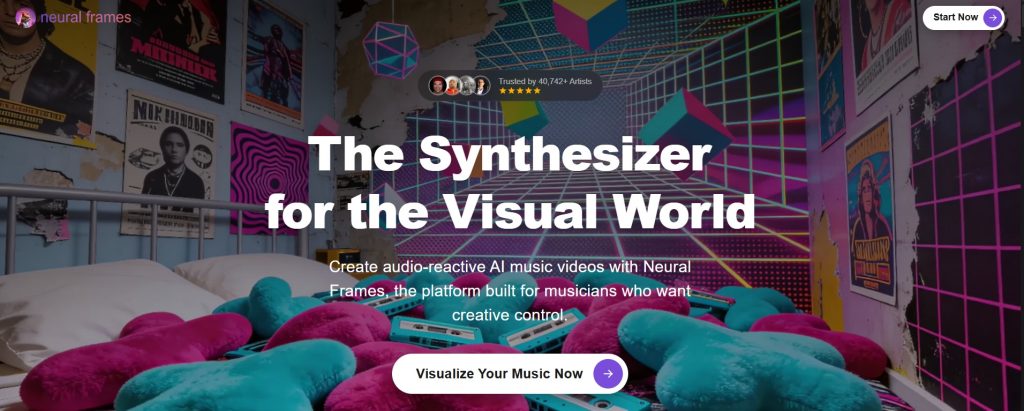
Neural Frames is an AI music video generator built for musicians. It turns a song or text prompt into a beat-synced 4K music video using models like Veo 3, Kling, Seedance, and Runway. It helps independent musicians, producers, and DJs promote their tracks with full creative control, from one-click videos to frame-by-frame editing.
Key Services/Tools
- AI music video generator
- AI animation generator
- Image-to-video AI
- Lyric video maker
- Frame-by-frame animation
- AI YouTube/TikTok video maker
- Audio to Video converter
How it Works
- Step 1: Upload your track: Add your song in any genre or length. Neural Frames then reads the stems, lyrics, and drops so visuals respond to the actual music.
- Step 2: Direct the visuals: Pick a style, lock in up to three characters, and describe the story. Choose cinematic, performance, lyric, or abstract visualizer formats, shot by shot.
- Step 3: Export and release: Get a 4K video synced to every beat, ready for YouTube, Spotify Canvas, TikTok, Reels, or live shows.
Pros:
- Frame-by-frame editing available
- Full creative control over character, style, and sync
Cons:
- 4K export and watermark removal require a paid plan
Pricing Plans
You can use Neural Frames for free by creating an account. Its paid plans with more features and AI models start at $39/ month.
What’s the Final Choice?
Although Solmi, Freebeat, and Neural Frames all follow a similar workflow, the experience and results can vary significantly. Each platform lets you upload your track, generate visuals, make adjustments, and export the finished video.
- If you want to direct the video, start with Solmi. It storyboards every shot from your song, keeps the same cast in every scene, lip-syncs the vocals, and lets you regenerate individual shots, all without editing experience.
- Freebeat is worth trying if you want the fastest hands-off result: it plans the shots and matches cuts to the beat automatically, with less control over individual scenes.
- For more advanced audio-driven visuals, explore Neural Frames, which uses audio-reactive technology to connect visuals with individual stems from your track.
The deciding factor is how much of the direction you want to keep: Solmi for shot-by-shot control with a consistent, lip-synced cast, Freebeat for one-click speed, and Neural Frames for audio-reactive visuals.
FAQ on AI Music Video Generators
- How to use AI music video generators to enhance my songs?
All three tools use a similar workflow: upload, generate, refine, and export. Start by uploading your song or pasting a Suno or Udio link, then choose the visual style or direction you want. The AI then generates visuals that sync with your track’s beat and lyrics. Once the video is ready, you can make adjustments and export it in a supported resolution and aspect ratio for platforms like YouTube, TikTok, Instagram Reels, or YouTube Shorts.
- What are the best free AI music video creation platforms?
All three platforms offer a free way to get started, although the available features and limits vary. Solmi includes 100 free credits, enough for one 20-second 480p preview, with no credit card required. Freebeat offers a free plan with access to a limited set of features. Neural Frames also lets you create a free account and use its full frame-by-frame editor without requiring a credit card.
- What features should I look for in an AI music video generator?
Look for features such as style selection, export quality and resolution, supported aspect ratios, beat and lyric synchronization, and the level of creative control you have over individual shots and scenes. These factors can make a significant difference in how closely the final video matches your creative vision.