


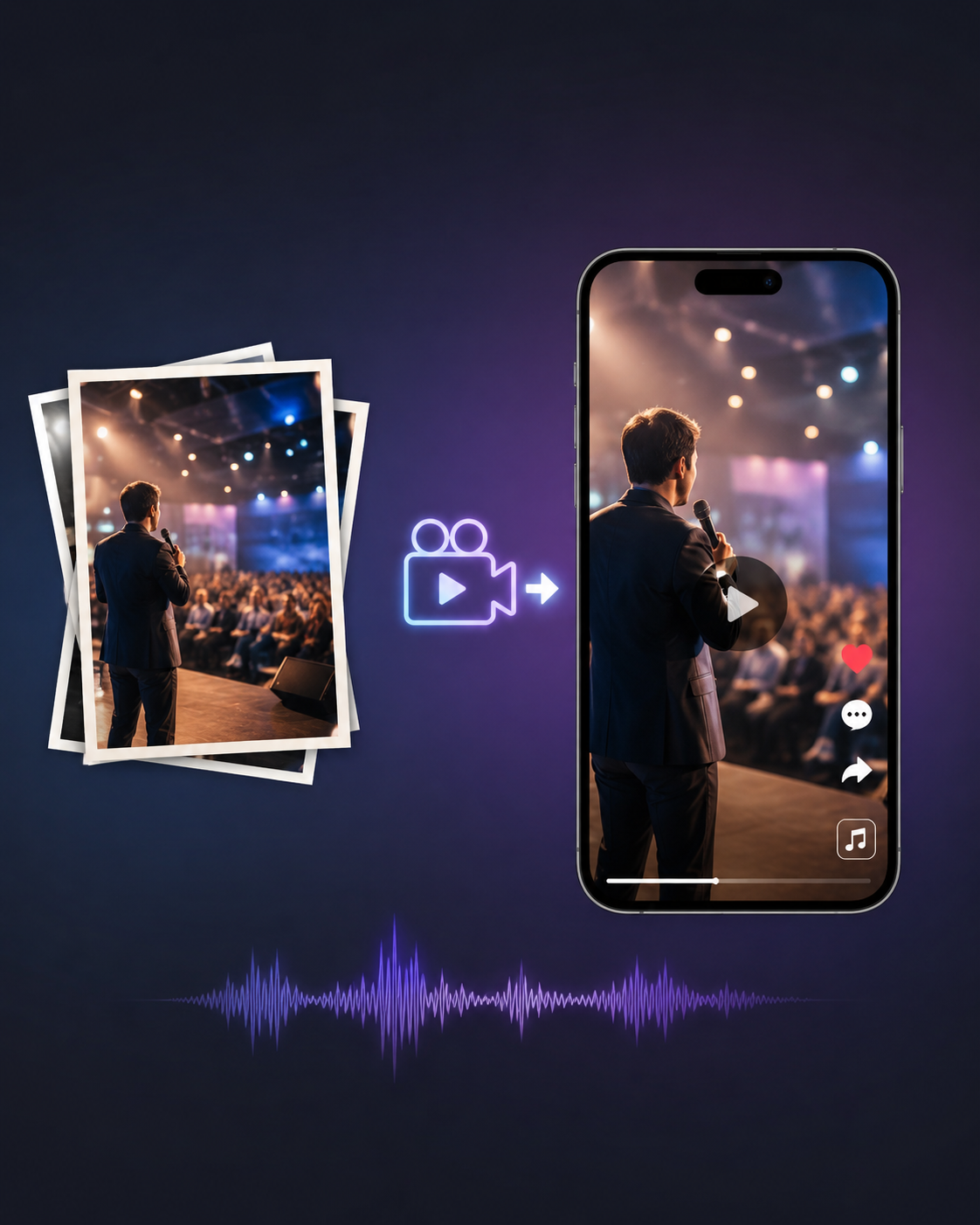
Most events are photographed far better than they are documented in video. Weddings, conferences, product launches, and brand activations can generate hundreds of polished, professionally composed images. Then comes the content request: Instagram Reels, TikTok videos, YouTube Shorts, and paid social ads, often all needed within days.
The photos are ready. The platforms demand video. Traditionally, bridging that gap meant choosing between a basic slideshow that quickly loses viewers or a full video production that the budget and timeline may not allow. Image-to-video AI is designed to close that gap by turning still images into dynamic footage.
However, getting useful results for event content requires more than simply uploading a photo and generating motion. There are several practical considerations that typical AI demos tend to overlook.
Why Event Photos Are Actually Ideal Source Material
Event photography is particularly well suited to image-to-video AI because the images are already approved, carefully composed, and rich in visual context. Instead of asking an AI model to create an entire scene from a text prompt, the brand already has a reference for a starting or finished image. The AI simply needs to introduce movement while preserving the original scene.
This distinction is important because image-to-video models tend to produce more convincing results when the source image provides clear visual information. A defined subject, environmental depth, and a recognizable light source give the model strong cues for generating natural movement.
Event photography often includes all three, whether it is a speaker addressing an audience, a product displayed on a branded table, or guests interacting inside a well-lit venue. Such detailed source images generally provide a stronger foundation for believable motion than flat or ambiguous photos.
The Small Motion Rule
A gentle breeze, subtle smile, or slow camera push can look remarkably natural when applied to a still image. Larger or faster movements are where image-to-video AI can still produce inconsistent results. For event content, starting with subtle motion is usually the safer approach.
A slow push-in on a keynote speaker’s portrait can create the feeling of a live moment without requiring complex body movement. A gentle parallax effect on a wide venue shot can add depth, while a subtle zoom on a product display can make the image generation feel like it was captured with a moving camera.
These controlled movements are generally easier for AI models to reproduce convincingly. Asking a subject to walk, make dramatic gestures, or move quickly can introduce distortions and often requires several attempts.
A useful rule is to describe camera movement rather than subject movement in your prompts. For example, “slow push-in toward the subject” is typically more reliable than asking a person to walk toward the camera.
The Aspect Ratio and Duration Decision That Cannot Be Fixed Later
Aspect ratio should be decided before generating the video. Changing it afterward often means creating the clip again. For Reels and TikTok, 9:16 is the standard vertical format. YouTube and LinkedIn generally work well with 16:9, while 1:1 suits square Instagram feed posts.
Many image-to-video tools treat aspect ratio as part of the generation process rather than simply an export setting. The AI uses the selected canvas to determine how the scene and movement should be framed. Cropping the result later can cut off important motion or leave black bars that make the video look unfinished.
Duration also deserves attention before generation. Individual clips commonly range from 2 to 10 seconds, and producing a usable result may take several attempts. Longer generations can also become less consistent. For event Reels, creating five or six short clips from different photos and assembling them in an editor often produces a more polished result than trying to generate one long video from a single image.
Music and Pacing: The Variables That Determine Whether Anyone Watches
Many marketers see low retention on image-to-video content because the visuals are not edited with platform-specific viewing habits in mind. Dynamic captions, varied pacing, and well-timed transitions can make the final video more engaging. However, one of the most overlooked factors is the relationship between music and visual pacing.
Adding a track is not enough. Strong short-form content often aligns visual changes with musical cues, such as a beat, a change in the melody, or the start of a vocal line. Simply relying on an AI tool’s automatic pacing can result in evenly timed transitions that feel mechanical. A faster sequence during an energetic section, a longer hold during a chorus, or a cut that lands directly on a drum hit can make the edit feel much more intentional.
For this reason, music selection and visual pacing should be planned together. Choosing the track first and then timing generated clips to its key moments in an editor generally creates a more cohesive result than adding music after the visuals are complete.
How Artlist Handles the Complete Pipeline
For the specific workflow of turning event photos into finished Reels, Artlist brings image-to-video generation and licensed music together within the same platform. This allows creators to generate motion, select music cleared for social platforms, and prepare content for distribution without managing separate tools and licensing arrangements.
There are over Artlist’s AI video models available on the platform, including Kling 3.0, Veo 3.1, Hailuo 2.3, Wan 2.7, Seedance 2.0, and more. For instance, Kling 3.0 can be useful for event photography involving people, particularly when maintaining character consistency across shots. Moreover, Start Frame and End Frame controls also provide greater direction over how motion develops between two defined visual states, making them useful for controlled camera movements.
The music library includes more than 200,000 royalty-free tracks for uses such as social content, Reels, TikTok, and paid advertising. Having music and AI video generation within the same subscription can simplify the final editing stage, particularly when creators need to confirm that a track is cleared for their intended use. A unified commercial license also reduces the need to manage separate rights for different assets used in the finished reel.
Parting Thoughts
Turning event photos into platform-ready Reels involves more than choosing an image-to-video tool. Creators also need to understand which types of motion AI models can handle reliably, set generation parameters before creating clips, and plan music and visual pacing together.
When these elements are handled intentionally, professional event photography becomes highly effective source material for short-form video. Strong source images, subtle motion, appropriate formatting, and properly licensed music can combine to produce polished content without requiring a full video production workflow.