


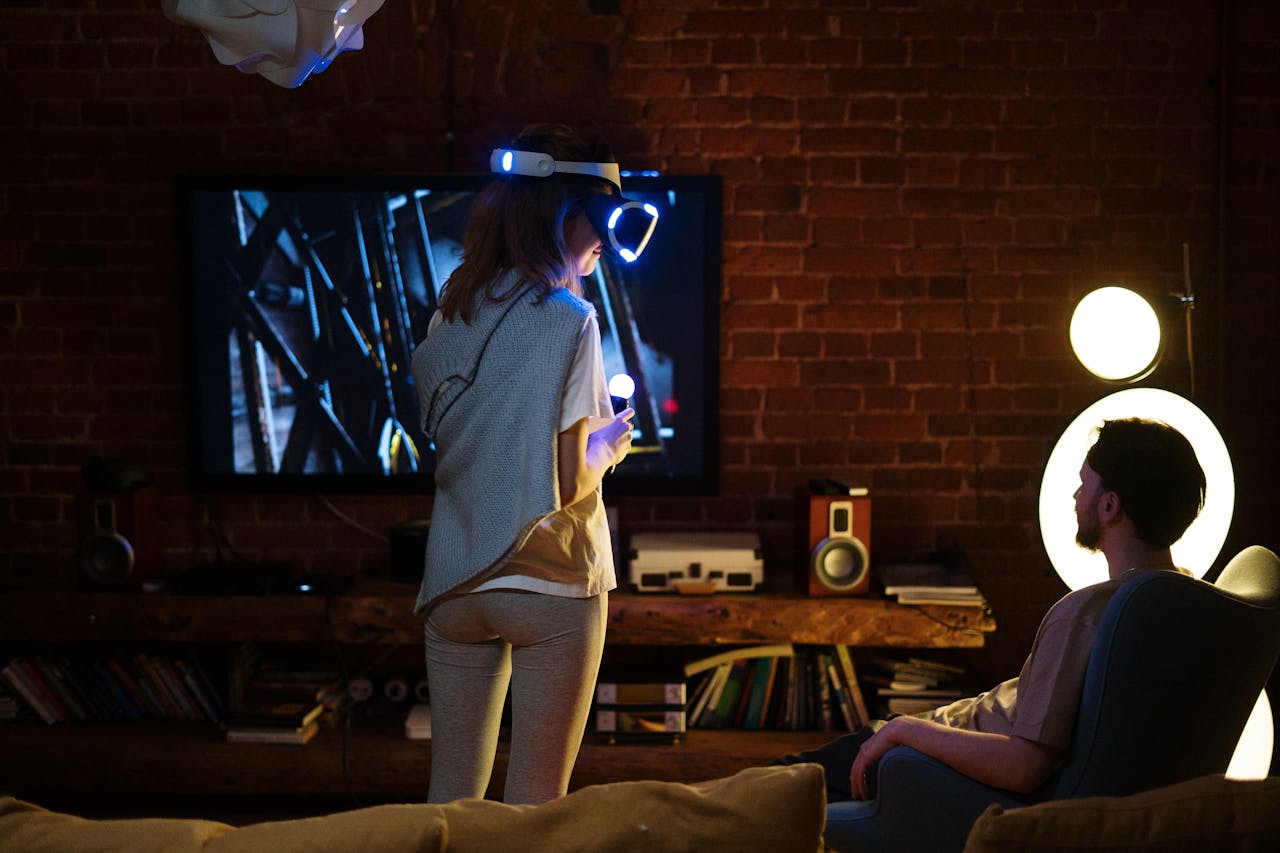
This article explains how to create a media room in your home with tips for layout, sound, lighting, and décor.
Creating a media room at home can significantly improve your viewing experience. Imagine having a space just for you to enjoy movies and shows or play video games without distractions. This project not only provides better entertainment but also adds value to your home.
With streaming services and high-definition content easily available today, designing a media room has become even more critical. It allows you to customize your space to fit your tastes and lifestyle. Let’s look at how to create the perfect media room for you.
Layout Planning
Start with a good layout for your media room. Decide if you want a separate room or a space that serves multiple purposes. Check the size of your area and how you will arrange the furniture and equipment. Ensure that comfortable seating is the focus, typically facing the screen.
If space allows, consider tiered seating. This helps everyone see the screen clearly. Keep in mind the distance between the seats and the screen; comfort is key. Also, leave room for pathways and other items, like snack tables or shelves for gaming consoles.
Sound and Visual Experience
The audiovisual setup is the main part of a media room. Select a high-quality TV or projector that aligns with your preferred picture quality and desired screen size. A bigger screen gives a movie-like feel, while a projector creates a true home theatre experience.
Sound quality is just as important. Surround sound systems enhance the experience, making it feel immersive. You don’t need to spend a lot. Even mid-range systems can deliver exceptional audio quality. Position the speakers correctly, with the front speakers on either side of the screen and the surround speakers positioned behind for improved depth.
WiFi Speakers for Better Sound
Using Wi-Fi speakers in your media room can significantly enhance your audio experience. These wireless speakers help you avoid messy cables, making your space look cleaner. You can place them anywhere to get the best sound without being tied to your equipment.
When choosing Wi-Fi speakers, consider models that support multi-room audio if you want to connect them to other speakers in your home. This allows you to enjoy the same music in every room or create distinct sounds for different spaces.
Look for speakers that offer good sound quality and are compatible with popular streaming services. AirPlay 2 speakers come highly recommended. This gives you easy access to your favourite music and podcasts during movie nights or parties. Many Wi-Fi speakers also feature voice control, allowing you to manage your audio with simple voice commands.
Comfortable Furnishings
Comfort is essential. Choose soft couches or recliners that make it easy to watch movies for a long time. Look for materials that are easy to clean, especially if you plan to snack while watching. Modular furniture enables you to adjust the seating arrangement for various activities, such as gaming or watching sports with friends.
Add blankets and cushions to make the room cozier. Consider including side tables or a coffee table for drinks and snacks, allowing you to relax without needing to visit the kitchen frequently.
Lighting Control
Lighting is crucial in a media room. You should be able to adjust both natural and artificial light. Ideally, the room should darken easily for movie nights.
Blackout curtains can block extra light and look stylish. Installing dimmable lights or innovative lighting systems allows you to adjust the brightness according to your activity. Accent lighting can gently light pathways or highlight decorations without causing glare on the screen.
Cables and Connectivity
Keeping your cables organized is important for a tidy space. Use cable ties or conduits to bundle cables together. This helps prevent tangling and makes it easier to find your devices.
Ensure you have sufficient power outlets and HDMI ports to accommodate all your devices. Consider wireless streaming or smart TVs to reduce the need for cables.
Personal Touches
After setting up the basics, personalize the room to reflect your style. Hang movie posters, art, or memorabilia that you love. You can also create a theme around your favourite movies or genres to make the space unique.
Setting up a small bar area or snack corner with your favourite drinks and snacks can enhance the atmosphere. This personal touch can impress guests during movie nights.
Building a media room can be a fun project that shows your personality and improves your at-home entertainment. Pay attention to details like layout, sound, and snacks. Each aspect helps make the room a relaxing and enjoyable place.