


Modded Minecraft doesn’t work without a loader. You know this. I know this.
Here’s the difference between the options, and where to run them.
What Is Forge of Minecraft?
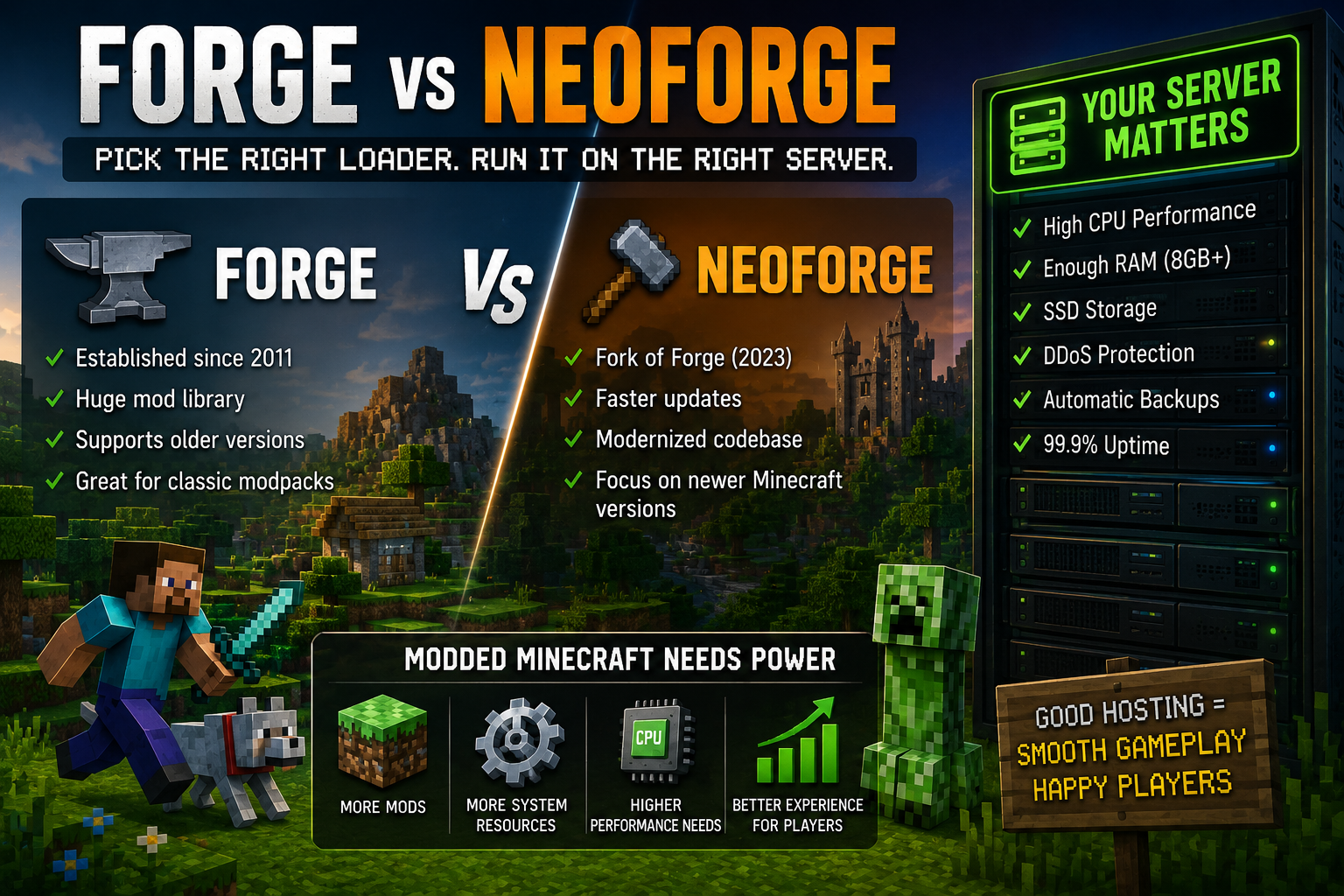
Forge of Minecraft is the old standard. Been here since 2011, somehow. Handles most mods you can name.
It’s an API. Modders write code using it. Players install it as a mod loader. Everyone meets in the middle.
The installer is simple. Download. Run. Pick a client or server. Done.
For years, this was the only real choice. Fabric existed but was smaller. Forge ran everything.
Times changed.
NeoForge Minecraft: The Split
In 2023, the Forge team had drama. Key developers left. Started NeoForge Minecraft as a fork.
Same codebase at first. Then different directions. NeoForge moved faster. Modernized things. Broke compatibility on purpose sometimes.
Now you have two separate projects. They just don’t talk. Like, at all. Mods work on one or the other. Usually not both.
Confusing? Yeah. Especially if you just wanna play.
Picking One
Here’s my rule:
Old modpack? Build for Forge. Most classic packs use it.
New modpack? Check which loader. Many switched to NeoForge. Newer versions. Faster updates.
Individual mods? Some support both. Most don’t. Check CurseForge or Modrinth. Look at the “Files” tab. See what versions exist.
I keep both installed. Separate folders. Different profiles in the launcher. Annoying but works.
Forge API Minecraft: What Modders See
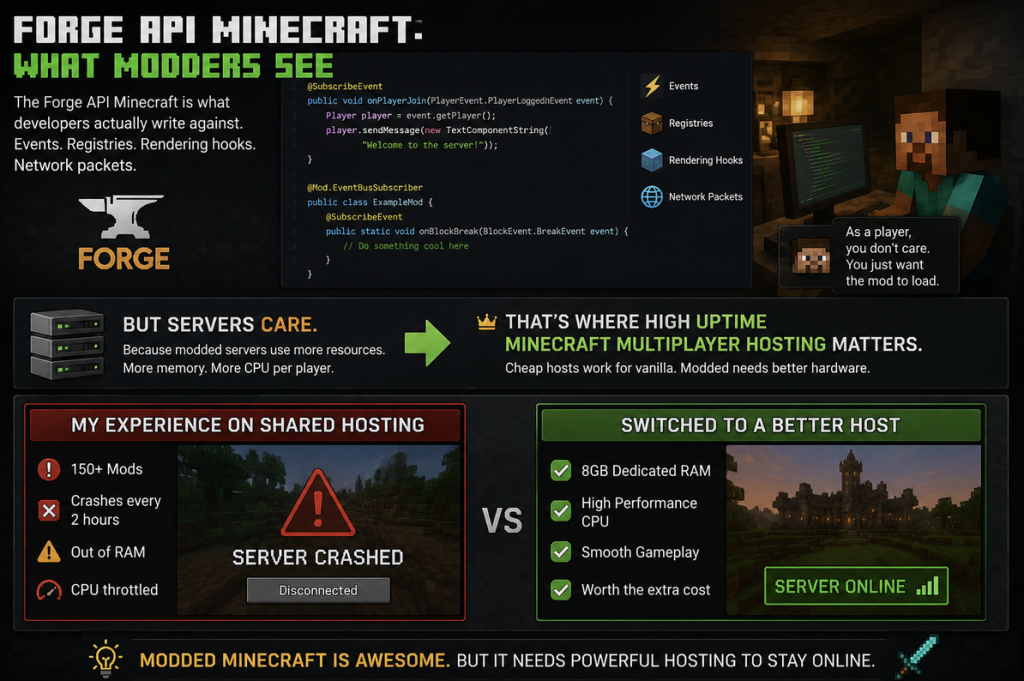
The Forge API Minecraft is what developers actually write against. Events. Registries. Rendering hooks. Network packets.
As a player, you don’t care. You just want the mod to load.
But servers care. Because modded servers use more resources. More memory. More CPU per player.
That’s where high uptime minecraft multiplayer hosting matters. Cheap hosts work for vanilla. Modded needs better hardware.
I ran a 150-mod server on shared hosting once. Crashed every 2 hours. Out of RAM. CPU throttled.
Switched to a host with 8GB dedicated. Smooth. Worth the extra cost.
Installing on Servers
Server-side is different from client.
Forge of Minecraft server:
- Download Forge installer
- Run with –installServer flag
- It creates libraries folder and scripts
- Edit user_jvm_args.txt for RAM
- Add mods to mods folder
- Run run.bat or run.sh
NeoForge Minecraft is similar. Different downloads. Different file names. But the same idea.
Both create a mods folder. Both need matching mod versions.
Common mistake: client has mods the server doesn’t. Instant disconnect. Keep lists identical.
Performance Stuff
Modded Minecraft is heavy.
Forge API Minecraft mods add blocks. Items. Entities. All need memory.
Some mods are worse. Thermal Expansion with its machines. Mekanism with its multiblocks. Create with its moving parts.
Each ticks constantly. Calculating. Rendering. Networking.
Your host needs to handle this.
In high uptime minecraft multiplayer hosting, look for:
- RAM. 4GB minimum for small packs. 8GB+ for big ones
- CPU. Single-thread speed matters. Minecraft can’t use many cores well
- SSD. World saves get huge with mods. HDD chokes
- No overselling. “Unlimited” usually means “until you use it”
The NeoForge Difference
NeoForge Minecraft claims better performance. Cleaner code. Less legacy stuff.
Is it true? Sometimes. Some packs run smoother. Others break because the mod isn’t optimized for NeoForge yet.
I tested the same pack. Forge vs NeoForge. NeoForge loaded faster. Ran about the same FPS. Server TPS slightly better.
Not a huge difference. But real.
Plugin vs Mod Confusion
People mix these up.
Plugins are for Bukkit, Spigot, Paper. Server-side only. No client install. Limited scope.
Mods are Forge, NeoForge, Fabric. Client and server. Change everything.
You can’t run plugins on Forge. Can’t run mods on Paper. Different systems.
There are bridges. Sponge. Mohist. Cardboard. Let you run both. But they’re buggy. I avoid them.
Pick one system. Commit.

My Server Setup
Currently running a NeoForge 1.20.1 server. 8GB RAM. Create modpack. 8 players max.
Host is mid-range. Not the cheapest. Not expensive. Uptime has been solid.
Found them through high uptime minecraft multiplayer hosting comparisons. Real user reviews helped.
Before that? Three cheaper hosts. Downtime. Lag. Support took days. False economy.
Troubleshooting Mod Conflicts
Mods break. Here’s how to fix.
Crash on start? Read crash-reports/latest.txt. Usually says which mod died.
Lag spikes? Use Spark mod. Profile the server. Find what’s eating the CPU.
Memory leak? Check for mods with bad code. Remove half. See if the leak stops. Binary search until you find it.
World corruption? Restore from backup. Always have backups. Good hosts automate this.
Version Hell
Minecraft 1.12.2 was peak modding. Everything after that just feels different. Java 8. Security issues.
1.16.5 was decent. Good mod selection.
1.18+ changed world height. Broke worldgen mods. Took a year to catch up.
1.20+ is current. Most active development.
NeoForge Minecraft focuses on newer versions. Forge supports older ones better. Pick your poison.
I stay on 1.20.1 for now. Stable. Good mods. Works.
Bottom Line
Forge of Minecraft still works. Millions of players use it. Most mods still target it.
NeoForge Minecraft is newer. Faster updates. More modern codebase. But less mature ecosystem.
Both need good hardware. Modded servers aren’t cheap to run.
Get high uptime minecraft multiplayer hosting that can actually handle mods. Read reviews. Check specs. Don’t go cheap.
That’s it. Pick a loader. Find a host. Add mods. Have fun.