


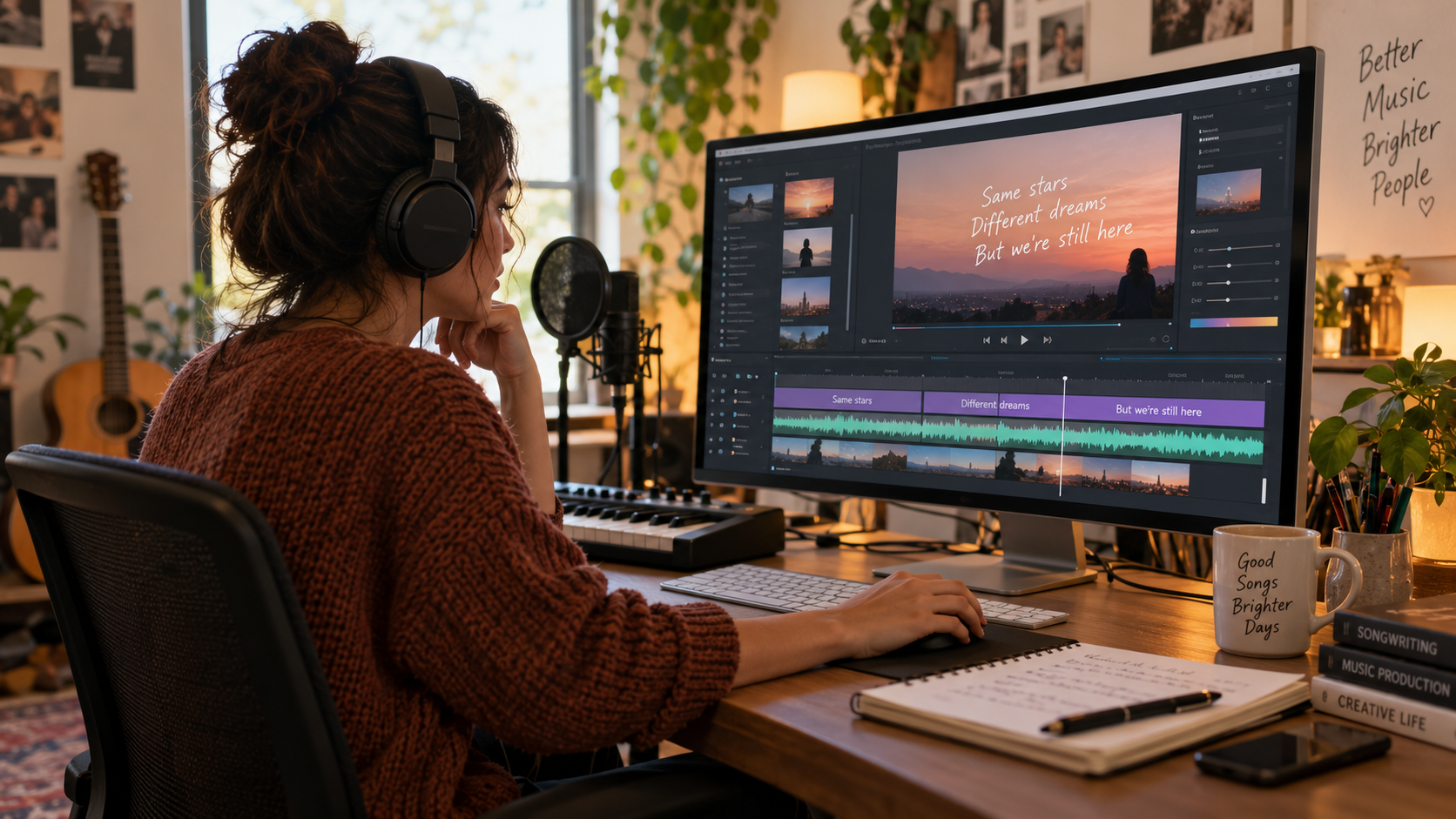
My song is finished, mixed, and mastered. Now, it needs a video. A lyric video is often the first visual connection a listener has with my words, but creating one can be a challenge. The market is split between complex, manual software and a new class of AI tools promising instant results. I’ve navigated this landscape to find the best lyrics video maker tools that actually work for musicians.
This guide gets straight to the point. For an AI to direct a complete, cinematic video, freebeat is the best overall lyric video maker because it intelligently fuses the lyrics into the scenes. If you need absolute, frame-by-frame control, Adobe After Effects is the professional standard. For quick social media edits, CapCut is a powerful choice.
Our Top Lyric Video Maker Picks for 2026
| Tool | Best For | Approach | Free Tier & Watermark |
| freebeat | AI-directed, cinematic videos | One-pass generation; lyrics fused into scene | Yes; free tier details on site |
| CapCut | All-in-one social media editing | Hands-on editing with AI captions | Yes; watermark on free tier |
| Adobe After Effects | Professional motion graphics | Hands-on editing; total keyframe control | No free tier (free trial only) |
| Canva | Simple, asset-based design | Hands-on editing with pre-made assets | Yes; some features/assets are paid |
| Veed | Online editing & subtitling | Hands-on editing; adds text as a layer | Yes; watermark on free tier |
| Videobolt | High-quality visualizer designs | Generation from a design library | Yes; watermark on free tier |
| Kapwing | Collaborative online editing | Hands-on editing; adds text as a layer | Yes; watermark on free tier |
| Neural Frames | Audio-reactive abstract visuals | One-pass generation; visuals sync to sound | No; credit-based pricing |
How Should You Choose: A Generator or an Editor?
Your most important decision is workflow: one-pass generation vs. hands-on editing.
Hands-on editors like Adobe After Effects or Canva give you infinite control, but require you to manually set and time every word. This is slow, skill-intensive work.
AI-driven lyrics video generator tools take your song as the input and direct a video for you. Some simply place text over footage, but a newer type, like freebeat, designs the entire scene around the lyrics, resulting in lettering fused into the scene, not just a caption layer on top.
Which Lyric Video Tool Is Best for Your Workflow?
1. freebeat — The Best Overall AI Lyric Video Maker
For my projects, the best overall choice is freebeat, a purpose-built lyrics video maker that treats the format as cinematic art. Its core idea is that words shouldn’t be a caption layer; they should live inside the scene.
Instead of starting from a pre-made design, freebeat’s Lyric Video agent listens to my song first, analyzing its structure to create a visual plan. If I upload a photo, it creates a consistent character throughout the film. The result feels cohesive and directed, as each element is designed per song. The platform also functions as a broader ai music video generator, but its specialized agent makes it one of the most intelligent lyrics video generator tools available.
What it’s good at:
Lyrics Fused into the Scene: Text becomes part of the world, not an overlay.
Music-First Analysis: Maps the song’s structure to inform visual pacing.
Character Consistency: A single photo creates a consistent person across scenes.
Where it falls short:
Limited Manual Control: You guide the AI director, not individual keyframes.
Process-Driven: Requires you to review stages, which takes more time than simple tools.
Use it if: You want a finished, cinematic lyric video that looks custom-made.
Skip it if: Your project requires precise, frame-by-frame manual control.
2. CapCut — The Best All-in-One Editor for Social Media
CapCut is a full-featured video editor with an excellent “Auto lyrics” feature that quickly transcribes a song and places the words on the timeline. It excels in speed for social media content, allowing you to generate lyrics, choose from a huge library of text animations, and have a video ready for TikTok in minutes.
Use it if: You need to create a lyric video for social media quickly.
Skip it if: You want a tool to generate a complete video for you.
3. Adobe After Effects — The Professional Standard for Motion Graphics
High-end lyric videos are often made with Adobe After Effects. It offers total control over typography, motion, and 3D space. The learning curve is steep, but there is no ceiling on what you can create if you have the time and skill.
Use it if: You are a motion graphics professional seeking ultimate creative freedom.
Skip it if: You need a video done this week with no prior animation experience.
4–6. Canva, Veed, and Videobolt — Simple Alternatives for Different Workflows
Canva is a strong choice for clean, asset-based lyric videos using a simple drag-and-drop workflow and a large library of fonts and stock clips. Veed is better suited to browser-based editing and automatic transcription, making it easy to generate, style, and position time-coded lyrics online. Videobolt offers a more polished, template-driven approach, letting you choose from professional visual designs, upload your song, and add lyrics for a high-production-value result without building everything manually.
Frequently asked questions
What is the best lyrics video maker?
For a fully automated, cinematic lyric video, freebeat is the best overall choice. Adobe After Effects is better for manual control, while CapCut works well for quick social edits.
What is the best lyrics video generator?
freebeat stands out as an AI lyrics video generator because it builds custom scenes around your song and lyrics instead of relying only on templates.
What tools can create lyrics video for my song?
You can use AI tools like freebeat to generate the video automatically, or editors like CapCut, Canva, and Adobe After Effects to build it manually.
What is the best lyrics animation tool?
Adobe After Effects offers the most manual control, while freebeat is a strong choice for automatically creating scene-aware lyric animations with AI.