


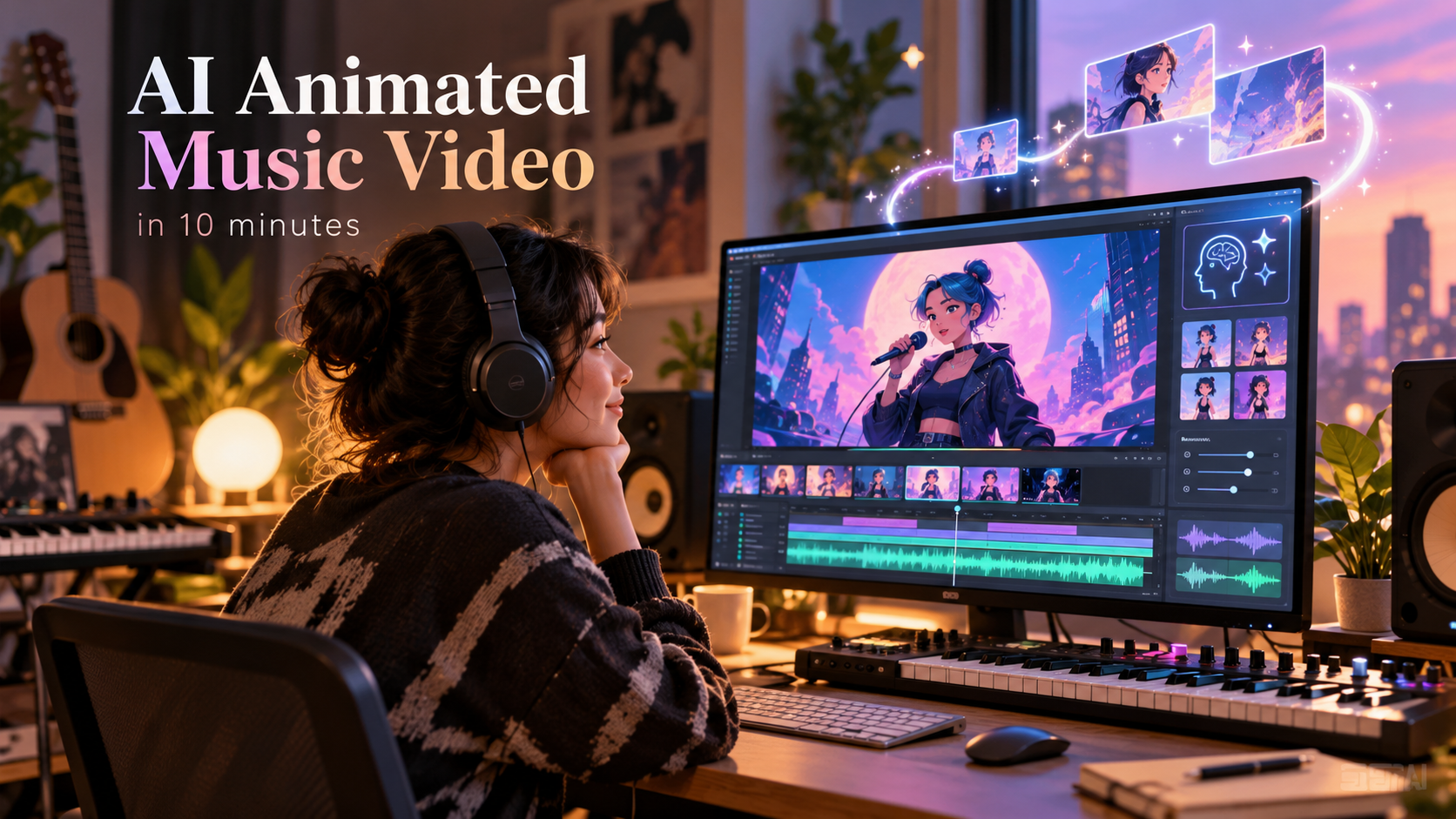
Animated music has produced some of the biggest hits of the past decade. Pinkfong’s “Baby Shark” became the most-viewed video in YouTube history and the first to pass 10 billion views. In 2025, “Golden” from Netflix’s KPop Demon Hunters spent eight weeks at No. 1 on the Billboard Hot 100, the first No. 1 by a female K-pop act. The soundtrack passed 15 billion streams worldwide. Neither act needed a camera crew, a location or a tour bus.
Animation as a music video format goes back further. a-ha’s 1985 “Take On Me” mixed live action with hand-drawn animation, and the animation alone took about 16 weeks. Today a single artist can do a similar job in minutes.
The pull of animation comes down to three things:
- Cost. There is no location, crew or equipment to hire. Animation sidesteps the biggest line items of a live shoot.
- Control. The visual world is yours, and you can rework any scene without a reshoot.
- Identity. A distinct animated look makes a release recognisable, and it stays fresh because it isn’t tied to a trend or a face.
With the Atlabs music video workflow, a musician with a finished track can get an animated, beat-cut video in about ten minutes. This guide shows how.
What you need before you begin
You need three things:
- A finished music track. Atlabs makes the video, not the music. Your track can be a studio recording, a demo, a producer’s file, or a song made in a generator like Suno.
- A storyline. One clear idea that fits the mood of the song, such as a love story, a night on tour or a tribute.
- Your cast. A few front-facing, evenly lit photos of your singer and, if you want one, a second lead. Avoid shadows across the face, sunglasses, blur and extreme angles.
Features in Atlabs and why they work
- Custom Casting: Use your own photos for a singer, a second lead or even your whole band group.
- Music Performance scenes: Stage, instrument, crowd and close-up shots in one video.
- Beats-aware cutting: Cuts follow your song’s real tempo and structure.
- Smart lip sync: Only the singing character’s mouth moves, even if there are several characters in one scene.
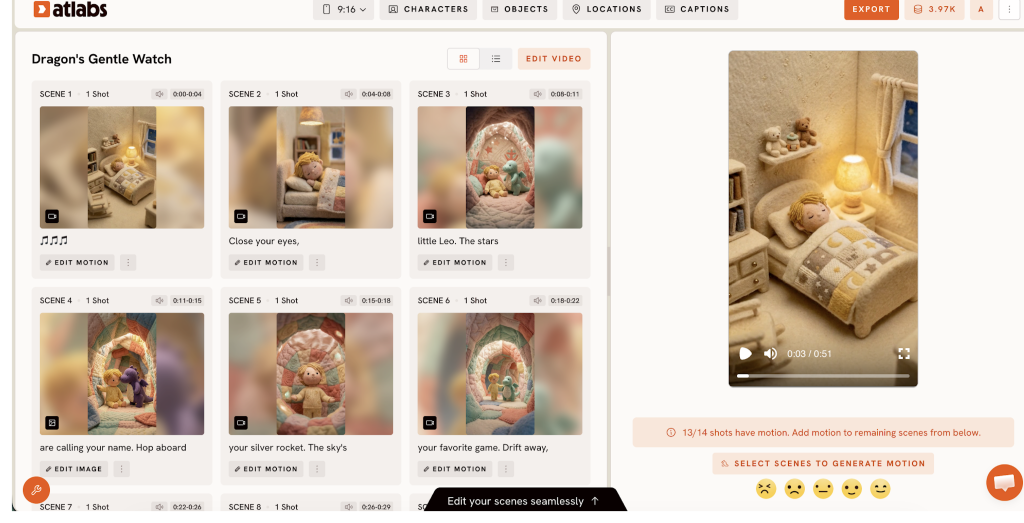
- Scene-level editing: Fix one scene without regenerating the whole video.
Atlabs Step-by-step guide
1. Music. Upload your finished track or drag and drop it. Made your song on Suno? Download it and drop it in. You can also paste a SoundCloud link and extract the music, or pick a sample track to try the workflow first.
2. Set Style. Choose from 50+ styles, including 3D Cartoon, Claymation, Anime, Storybook, Watercolor and Paper Cutout. Pick one and keep it for the whole video.
3. Concepts. Review the concepts Atlabs proposes for your song. Check that the story fits the mood and the chorus gets the biggest moments. Optionally, input a detailed script if you have one ready, and Atlabs follows it with timestamp-level accuracy. This is also where you cast your singer and second lead with Custom Casting.
4. Finalise. Atlabs generates the scenes, cuts them on the beat and adds motion graphics. Export the wide cut for YouTube and the vertical cut for Shorts, Reels and TikTok.
How to edit your video
- Open any scene you want to change. Atlabs has a full AI editing suite for 100% creative control.
- Rework that scene on its own, without regenerating the rest.
- Adjust the action so your cast does what the lyrics describe. Choose the Auto mode or from 100+ AI models like Seedance 2.5, Minimax H3, GPT Image, etc.
- Re-check the chorus, then re-export in both formats.
Who this is for
Independent musicians and bands, theatre companies, dance studios, music channel owners, teachers and children’s performers, and brands that need animated music content from one source track.
Frequently asked questions
What animation styles can I choose for a music video?
Atlabs offers 50+ styles, including 3D Cartoon, Claymation, Anime, Storybook, Watercolor and Paper Cutout. Pick one and keep it for the whole video so the release has a consistent, recognisable look.
Can I turn myself or my band into an animated character?
Yes, Atlabs lets you do Custom Casting; upload front-facing, evenly lit photos of your singer, a second lead or each member of your band, and they appear as characters in your animated video.
What’s the fastest way to turn a song into an animated video for YouTube and Shorts? Atlabs takes about ten minutes from upload to export, depending on track length. You get a wide cut for YouTube and a vertical cut for Shorts, Reels and TikTok.
Can I fix one scene in AI videos without redoing the whole video?
Yes, Atlabs allows you to edit scene by scene. Open any scene and rework it on its own, adjust the action to match your lyrics, then re-export. The rest of the video stays as it is.
Try it
Start creating your animated music video free at https://app.atlabs.ai/create/music-video
Media contact
Name: Harshita Lalwani
Organization: Atlabsai Software Private Limited
Email: harshita.lalwani@atlabs.ai
Website: https://www.atlabs.ai