


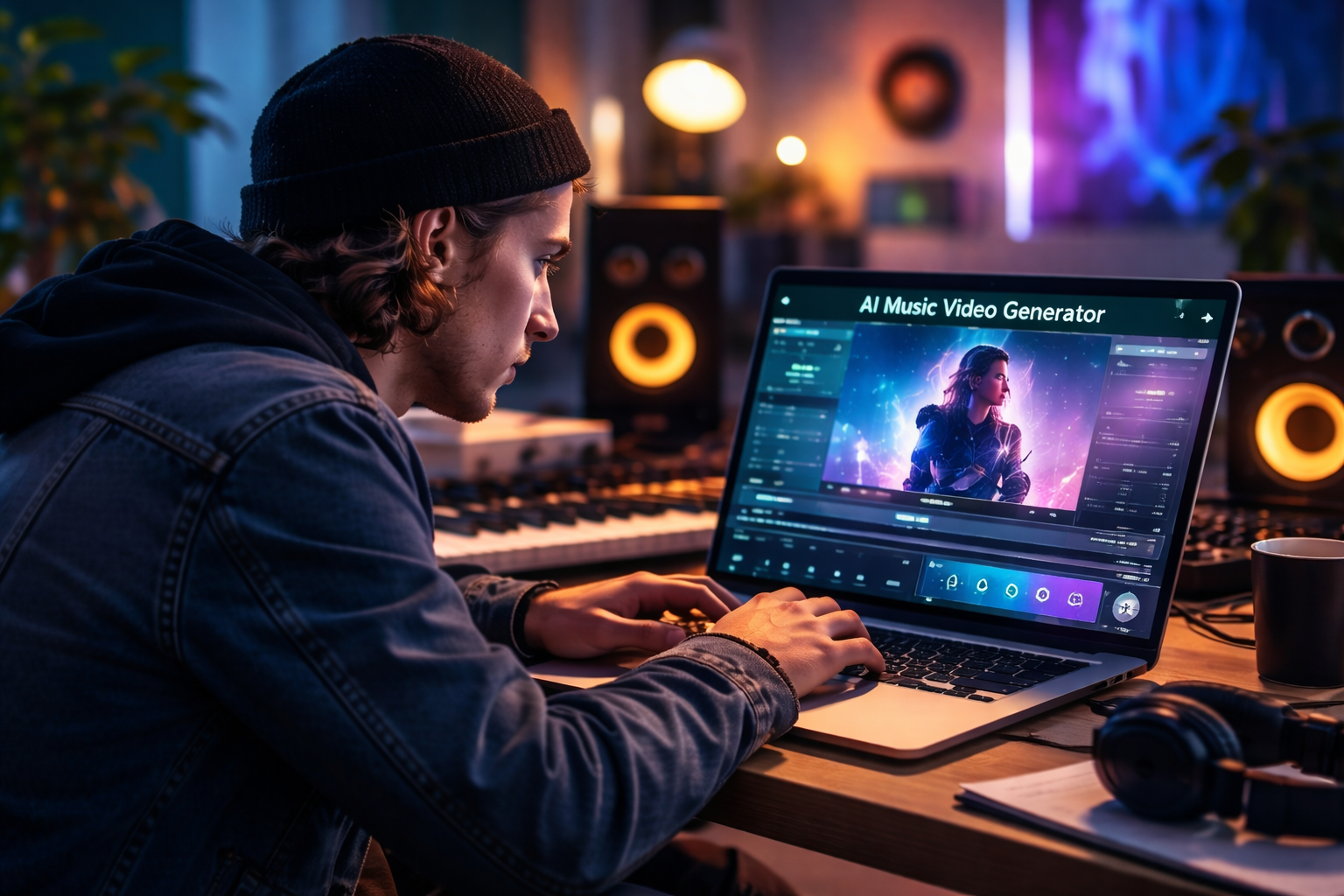
If you’ve been searching for the best AI music video generator to bring your tracks to life without a film crew or a five-figure budget, you’re not alone. The market has exploded over the past two years, and the options range from genuinely impressive to deeply frustrating — especially if your goal is a real music video, not just a looping visualizer slapped over a waveform.
I’ve spent the last several weeks testing five of the most talked-about tools: Freebeat, Kaiber, Neural Frames, Runway Gen-4, and Kling AI. My focus was consistent throughout: which one can an independent artist actually use to get a polished, shareable music video from a finished track? Whether you need a great AI music video generator workflow or a proper album cover generator with animated streaming visuals built in, this guide covers the full picture.
Here’s what I found.
Quick Comparison: AI Music Video Generators at a Glance
| Tool | Audio-Reactive | Lip Sync | Suno Integration | Lyrics Video | Max Length | Starting Price |
| Freebeat | Full BPM/beat sync | 90%+ accuracy | One-click | Built-in | 6 minutes | $4.99/week |
| Kaiber | Rhythm-based | No | No | No | ~3 minutes | $5/month |
| Neural Frames | Structure-aware | No | No | No | ~4 minutes | $15/month |
| Runway Gen-4 | No audio input | No | No | No | ~10 sec/clip | $15/month |
| Kling AI | No audio input | Short clips only | No | No | 2 minutes | $10/month |
5 AI Music Video Generators, Honestly Reviewed
- Freebeat — Built for Music Video Production, End to End

Freebeat is the only tool in this list designed from the ground up for music video creation. Its standout feature is genuine audio-reactive AI music video generation — a system that reads BPM, detects bars, and recognizes full song structure (intro, verse, chorus, outro), mapping visual changes to the music automatically. For Suno users, it is also a free suno AI video generator: paste a link and Freebeat extracts the audio and starts building a fully synced video without any manual steps.
Key features:
- Audio-reactive generation: reads BPM, bars, and song sections to sync visuals to the full track structure
- Character consistency: upload your photo, build a custom AI avatar, or use preset library; supports up to 2 characters
- Lip sync accuracy: over 90%, with natural-feeling mouth movement aligned to vocals
- Visual styles: cinematic, anime, cyberpunk, neon noir, realistic, fantasy, and more via prompts or presets
- Built-in lyrics video: customizable fonts, timing, highlight animations; export as MP4 or .lrc
- Suno integration: paste a Suno link for instant, automatic music video creation — no downloads needed
- Export formats: 16:9, 9:16, 1:1 for TikTok, Instagram Reels, YouTube Shorts, Spotify Canvas, Apple Music
Limitations:
- Higher credit plans needed for longer videos and 1080p resolution
- Character limit of 2 per video may be restrictive for some creative concepts
Pricing: Basic $4.99/week (1,990 credits) · Pro $26.99/month (10,000 credits) · Ultimate $39.99/month (19,000 credits) · Creator $199/month (95,000 credits). Boost Packs are available at ~40% off.
Best for: Independent musicians and singer-songwriters who want a complete, platform-ready music video from a finished track — no editing skills required.
- Kaiber — Strong Visualizer, Limited Music Video Capability
Kaiber has built a genuine following in the music community for its rhythm-responsive animation. The platform analyzes a track’s energy and pace, then generates visuals that move and evolve in sync with the music. For atmospheric content and streaming visuals, it produces polished results with a low learning curve — but it stops well short of a full music video workflow.
Key features:
- Rhythm-based animation: visuals respond to track energy and pacing throughout the song
- Style controls: painterly, cinematic, and abstract options with prompt-based customization
- Looping output: well-suited for Spotify Canvas and short-form social clips
- Low barrier to entry: simple workflow from audio upload to visual output
- Multiple export options: various resolutions and aspect ratios for social platforms
Limitations:
- No character system, lip sync, or artist performance capability
- No lyric video module or text animation features
- No song-section awareness — output is a continuous visual flow, not a structured video
- Video length capped at approximately 3 minutes
Pricing: Explorer $5/month · Standard $10/month.
Best for: Electronic producers and ambient artists who want a polished audio visualizer for streaming platforms and social content.
- Neural Frames — Multi-Model Flexibility, Manual Assembly Required
Neural Frames takes a model-agnostic approach, aggregating multiple generation engines — Kling, Seedance, Runway, and others — under one interface with audio reactivity layered on top. The platform’s energy-curve analysis is more nuanced than basic beat detection, distributing visual intensity across quiet and loud sections in a way that feels genuinely music-driven. The tradeoff is that final assembly remains a manual task.
Key features:
- Multi-model access: Kling, Seedance, Runway, and other engines from one workspace
- Energy-curve analysis: maps visual intensity to the track’s dynamic range beyond simple BPM detection
- Style diversity: photorealistic, illustrated, abstract, and more across different generation models
- Regular model updates: new generation engines added as they’re released
- Flexible prompt system: fine-grained control over visual style and content
Limitations:
- No storyboard generation or song-section structure awareness
- No character consistency system or lip sync capability
- Final video assembly and audio sync must be done manually in external editing software
- Steeper learning curve for users without a post-production background
Pricing: Starts at $15/month.
Best for: Visual artists and producers who want multi-model flexibility and are comfortable assembling the final edit themselves.
- Runway Gen-4 — Industry-Leading Clip Quality, No Audio Integration
Runway Gen-4 sets the current benchmark for cinematic AI video quality. The motion is physically coherent, the lighting is convincing, and the visual polish surpasses most alternatives on the market. For directors and motion designers working on commercial or editorial projects, it has become an industry-standard component. For music video creation, however, its lack of any audio integration is a fundamental constraint.
Key features:
- Cinematic clip quality: physically coherent motion with film-level lighting and visual polish
- Prompt and image-to-video: generated from text descriptions or reference images
- Complex motion handling: water, fabric, crowds, and dynamic environments rendered convincingly
- Inpainting and editing tools: modify specific regions of generated clips
- Professional-grade output: trusted by commercial directors and motion designers
Limitations:
- No audio input — zero BPM detection, beat sync, or song-structure awareness
- Clips capped at approximately 10 seconds; a 3-minute video requires 20–30 separate generations
- Full post-production workflow required to assemble and sync to music
- Not viable for indie artists without video editing skills and software
Pricing: Standard $15/month (625 credits) · Pro $35/month.
Best for: Filmmakers and video editors who want best-in-class clip quality and have the post-production skills to assemble a finished video.
- Kling AI — Photorealistic Clips, No Music-First Workflow
Kling has established itself as one of the most capable general-purpose AI video generators available. Photorealistic character generation, convincing lip sync on short clips, and high motion quality make it a strong choice for social content and short narrative pieces. Like Runway, however, it was built for general video generation — music plays no role in how its output is created.
Key features:
- Photorealistic output: character generation and motion quality among the best available
- Lip sync capability: convincing for short close-up performance clips
- Flexible inputs: text prompts, reference images, and video-to-video transformation
- 2-minute generation ceiling: longer than most competing tools allow
- Fast generation speed: competitive turnaround for the quality level produced
Limitations:
- No audio integration — no BPM detection, beat sync, or song-section awareness
- Music is added in post-production after the video is generated
- No lyric video module or built-in text animation
- Full editing workflow required to build a synced music video
Pricing: Starts at $10/month.
Best for: Creators with existing editing workflows who want high-quality AI-generated footage as source material for music video production.
Why Freebeat Is the Best AI Music Video Generator for Independent Artists
After running each tool through the same core test, — start with a finished track,and end with a shareable music video — the differences are clear and consistent.
Runway and Kling produce the most cinematically impressive footage, but neither tool touches your audio. Kaiber and Neural Frames respond to music, but stop short of a complete video: no character system, no lip sync, no lyric video, no song-section structure. Freebeat is the only platform that connects all of those pieces. It’s not that the other tools are weak — they’re designed for different purposes. It’s that none of them were built to solve the problem an indie artist actually has.
For independent musicians, the all-in-one workflow matters. You’re not a production house with separate vendors for concept, shoot, and post. You need a single tool that takes a finished track and produces something platform-ready. Freebeat is the only AI music video generator in this comparison that completes that journey from audio input to exported video without requiring editing skills or external software.
If you’re already creating with Suno, the path is especially direct: paste your link, and Freebeat handles everything else. If you’re working from your own recordings, it accepts MP3, WAV, and MP4 from direct upload or links from YouTube, Udio, TikTok, and SoundCloud. The result is a finished, synced, platform-optimized music video — which is exactly what the other tools in this list don’t reliably deliver.